Tag: hiring IT

  • The 6 roles you would you need to fill to match the services delivered by an outsourced IT vendor

    The 6 roles you would you need to fill to match the services delivered by an outsourced IT vendor

    Has your business grown to the point you’re now looking to improve the IT solutions you have available, including possibly adding additional staff? Or maybe you’re currently the go-to person for providing technical support for your users (we see this a lot) and you’re realizing you need additional help to ensure things continue to run smoothly.

    It can be difficult to determine whether it makes sense to bring onboard additional in-house resources or if it’s perhaps a better idea to outsource the task to a company whose sole purpose is providing those services. When considering your options here are the six roles you would need to fill to match the services provided by an outsourced IT service provider as well as their average salary requirements:
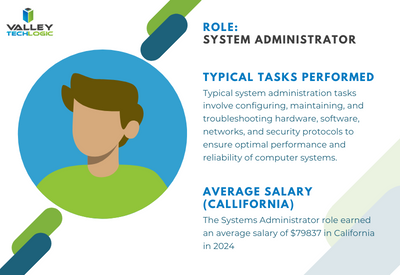
    Systems Administrator: Responsible for the overall maintenance, configuration, and reliable operation of computer systems and networks within the organization. They ensure that systems are secure, updated, and performing optimally.
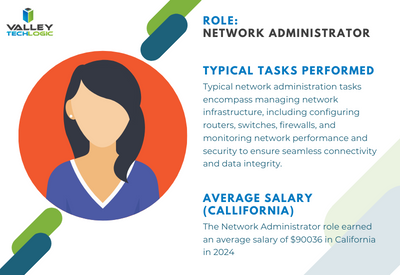


    Network Administrator: Manages and maintains the organization’s network infrastructure, including LAN, WAN, and internet connectivity. They oversee network security, troubleshoot network issues, and optimize network performance.
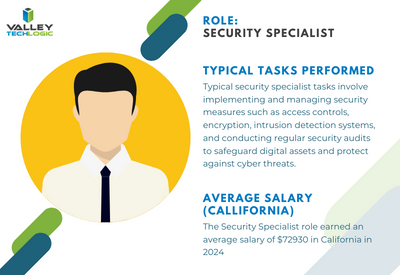


    Security Specialist/Analyst: Focuses on protecting the organization’s IT assets
    from security breaches, cyber threats, and unauthorized access. They implement security measures such as firewalls, intrusion detection systems, and encryption protocols, and they monitor for security incidents.
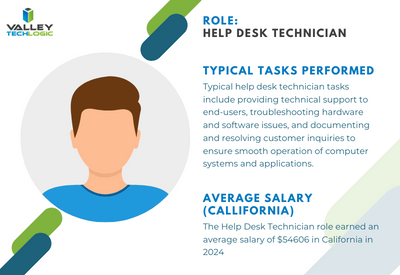
     

    Help Desk/Support Technician: Provides frontline technical support to end-users, troubleshooting hardware and software issues, resolving technical problems, and providing guidance on IT-related queries. They may also handle user account management and software installations.
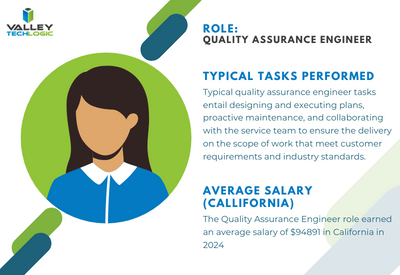
     

    Quality Assurance (QA) Engineer: Tests software applications and systems to ensure they meet quality standards, functional requirements, and performance expectations. QA engineers identify bugs, conduct regression testing, and contribute to software quality improvement efforts.
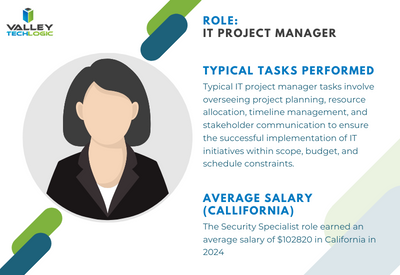
     

    IT Project Manager: Oversees IT projects from initiation to completion, ensuring they are delivered on time, within budget, and according to specifications. Project managers coordinate resources, manage risks, and communicate project status to stakeholders


    To contrast, with a managed IT service solution you’re usually looking at a fraction of the cost of the salary for just one of these staff members while still having access to all of these roles individually to support your business. Additionally, you won’t need to worry about the hiring process or all of the overhead that comes with hiring new employees.

    We can’t say what the right choice is for your business, and for some businesses it’s not an either-or situation. Sometimes it makes sense to hire one onsite staff member as a go to person while still outsourcing to provide better coverage and meet your long-term technology improvement goals.

    We can’t speak for other providers but for Valley Techlogic we have plans available to cover a variety of technology setups, whether we’re offering a co-managed solution and working alongside an existing staff resource or whether we’re taking over the technology side of your business in it’s entirety so you can focus on everything else. Learn more today.

    Looking for more to read? We suggest these other articles from our site.

    This article was powered by Valley Techlogic, an IT service provider in Atwater, CA. You can find more information at https://www.valleytechlogic.com/ or on Facebook at https://www.facebook.com/valleytechlogic/ . Follow us on Twitter at https://x.com/valleytechlogic.

  • Hiring a tech vs outsourcing, a cost breakdown

    Hiring a tech vs outsourcing, a cost breakdown

    If you’ve realized you need additional IT support for your business but are on the fence about which route to take, hiring IT staff or outsourcing your needs to an IT service provider the choice can be difficult.

    Many of our clients reach us because they have been using an unreliable IT support service, their existing IT staff left, or sometimes because they’ve somehow gotten by with no IT at all but realize that needs to change.

    We also frequently have clients who are utilizing a person in their office who is “tech savvy” but is not IT, it can be quite expensive to hire an IT professional with the experience needed to perform the variety of duties needed work on items such as cybersecurity improvements, hardware upgrades, software deployments and more.

    Here are some benefits of hiring in house IT staff:

    1. They’re already at your office so there’s no waiting for IT support to show up.
    2. They will be well versed on your systems since in many cases they will be the one who set them up in the first place.
    3. They should be pre-emptively taking care of updates that will keep your business more secure.

    On the other hand, here are the benefits of outsourcing your IT:

    1. The cost is usually much lower than hiring personnel.
    2. You get many experts for one price, no matter how well versed your IT person is they can’t be an expert in everything.
    3. You get software tools that may be otherwise unavailable to a single business or not cost effective to purchase.
    4. Round the clock service and monitoring, many IT service providers including us offer 24/7 support.
    5. You will have an agreement with them that spells out the level of service you’re supposed to receive.

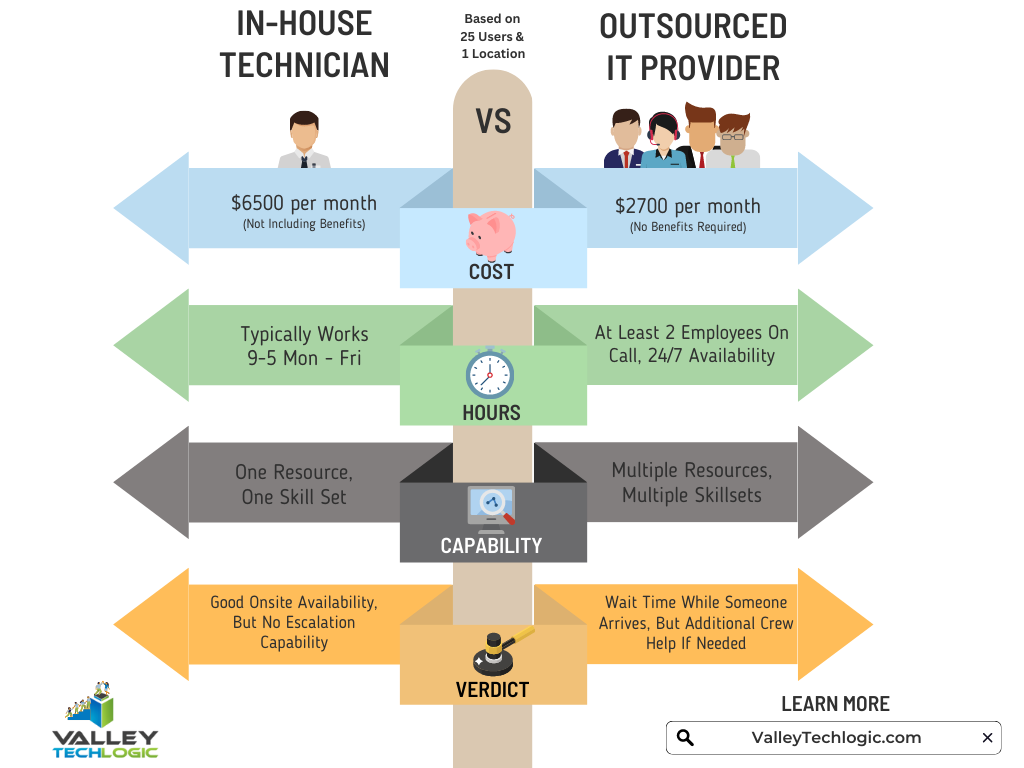
    It’s a difficult choice and only you know whether your business would greatly benefit from having in-house staff or whether outsourcing your IT is your best option. As you weigh your options we created this chart with the average baseline cost for an in-house IT person vs. an IT service plan with us.

    However, as we mentioned many of our clients are utilizing an in-house resource already, these tech savvy staff are usually performing the day-to-day activities such as patching and password resets but may be missing crucial items such as cybersecurity prevention or maintaining (or even starting) backups.

    For clients like these we recommend our co-managed plan option. With our co-managed plan we work directly with the staff already performing your IT duties, if there’s an issue they call us directly and we pass on a cost savings to you.

    We do that because usually by working with a staff member that already knows your systems we can bypass a lot of the early troubleshooting that occurs, and that staff member usually still handles minor day to day tech related activities.

    If you would like to learn more about our co-managed plan options just reach out today for a consultation.

    Looking for more to read? We suggest these other articles from our site.

    This article was powered by Valley Techlogic, an IT service provider in Atwater, CA. You can find more information at https://www.valleytechlogic.com/ or on Facebook at https://www.facebook.com/valleytechlogic/ . Follow us on Twitter at https://x.com/valleytechlogic.

  • Your IT Guy Quit, Now What?

    Your IT Guy Quit, Now What?

    Your relationship with your IT person can be a somewhat fragile dichotomy, sure you’re friendly with them and they’re probably a great person (you chose/hired them after all).

    But for many small business owners they couldn’t really tell you what this person does beyond making the computers “work”. You hired them for their skills and those skills should exist outside the realm of what you could manage for your own IT (though many owners try).

    So, if they quit, you’re suddenly in the lurch. You have all these systems that were being maintained by one individual that are now in limbo as you try to figure out what to do next, perhaps even trying to entice them to come back.

    For any new person you bring on, the relics of your old IT person may haunt them for them for the entirety of their tenure with you. When you’re just one person trying to manage many systems and users, documenting as you go can feel like a lost cause – especially during the busy times.

    That’s also supposing the split was amicable. If it was not, the damage can be difficult to recover from. We always recommend business owners maintain access to their own systems and never let themselves be completely cut off from the admin side of things no matter how capable your IT person is. Recovering those accounts can be difficult to impossible depending on the system in question.

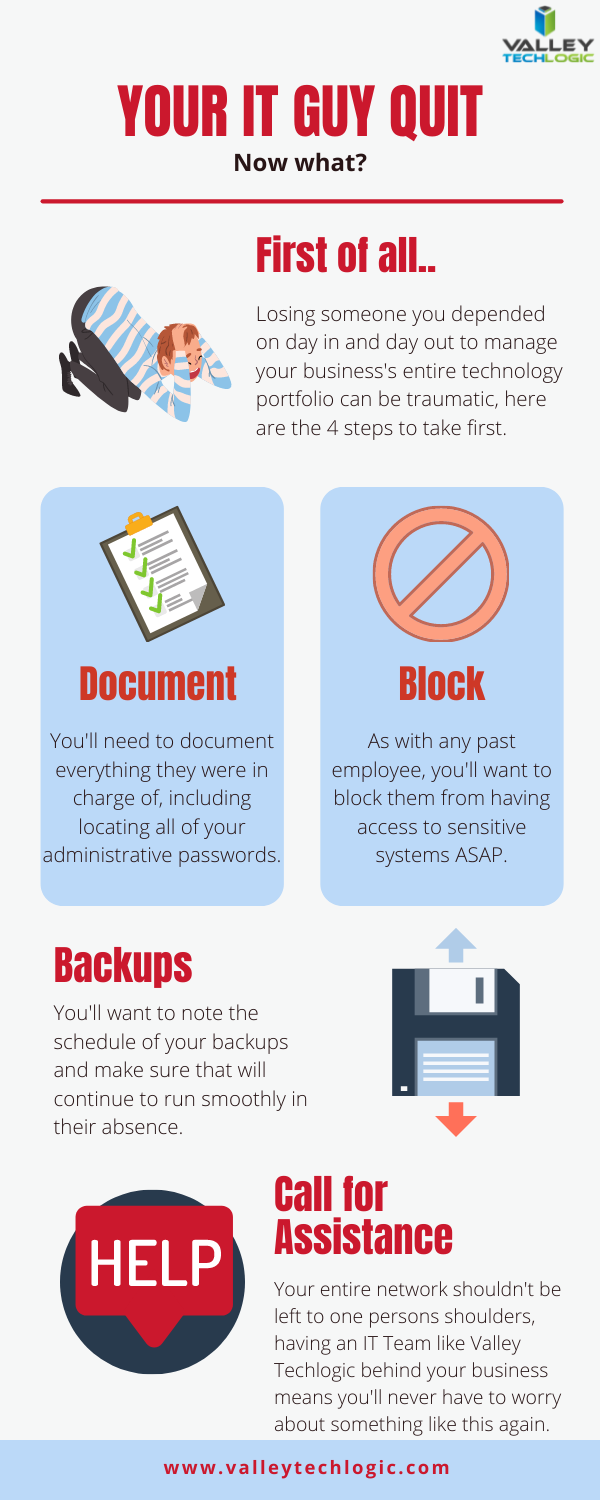
    That leads us to our list of the top 4 things you should do as soon as your IT person quits.

    First 4 things to do when your IT person quits

    As we say in our infographic, leaving the entirety of your technology support to one person can be a dicey proposition. That’s where our co-managed solution comes in.

    In a co-managed scenario, you keep your IT guy, and we work with him to offload some of the tasks that may be bogging him down day to day. We also will bring our tools that we have honed and perfected across nearly two decades in the business to improve your processes.

    This includes better documentation, better reporting, and just overall better transparency so you as a business owner can have a bird’s eye view into this process that is so important to the continued success of your business.

    The added bonus to lightening their load is that they can then focus on activities that will move your business forward, such as projects that had been on hold because there just wasn’t time or activities that can actually grow your business.

    For example, they can address aging hardware issues that there just hasn’t been time for in the past that are holding your business back and representing a cybersecurity threat. We can even help with sourcing. Technology is a necessary component in the success of any business no matter what category or size – if yours is stuck in the past it’s going to curtail your efforts to grow your business.

    If your IT person just quit and you’re thinking you would rather have a competent IT team managing your technology, we have a plan for that as well. Our managed IT department plan is all encompassing and includes all of the support you will need, 24/7. You can learn more by taking a quick consultation with us here.


    Looking for more to read? We suggest these tech articles from the last week.

    This article was powered by Valley TechLogic, an IT service provider in Atwater, CA. You can find more information at https://www.valleytechlogic.com/ or on Facebook at https://www.facebook.com/valleytechlogic/ . Follow us on Twitter at https://x.com/valleytechlogic.