
We’re talked about router safety before, but are routers marketed to home users safe in general?
Germany’s Fraunhofer Institute for Communication (FKIE) recently conducted a study on 127 routers from 7 different brands and the results were shocking.
They found that 46 hadn’t had an update in over a year, and that many routers are affected by hundreds of known vulnerabilities.
Many routers are powered by Linux, which releases security patches and updates throughout the year, but vendors are just not applying them. What’s worse is many routers are being shipped with known vulnerabilities and firmware updates that do not address them.
With so many working from home using an unsafe router is one more risk that you shouldn’t have to take, especially with a brand-new router. As we mentioned in our last article on the topic, similarly to other technical products routers do reach an end of life period. However, this is typically not for at least 3 years.
So which router brands performed the best in the study? They found that ASUS and Netgear routers performed better than other brands in the home market. There is also the option of going for a pro router which may have more features and better access to updates.
Ubiquiti routers are one option in the pro market that we recommend. You’ll have the ability to customize quality of service rules which lets you prioritize certain kinds of traffic, like streaming video over HTTP downloads. Or it’s possible to have a guest networks so you can have a segregated LAN for guests, children or even your security cameras.
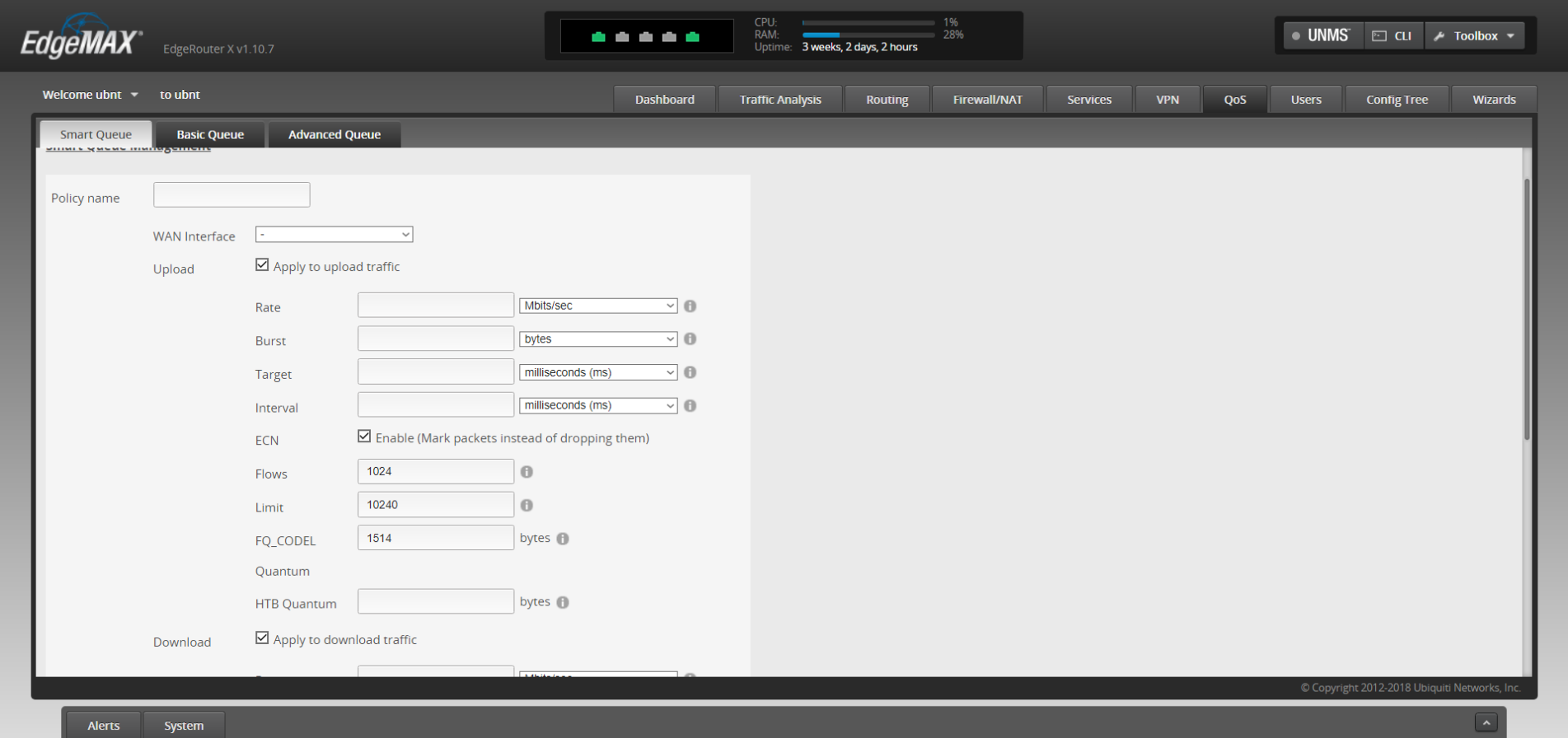
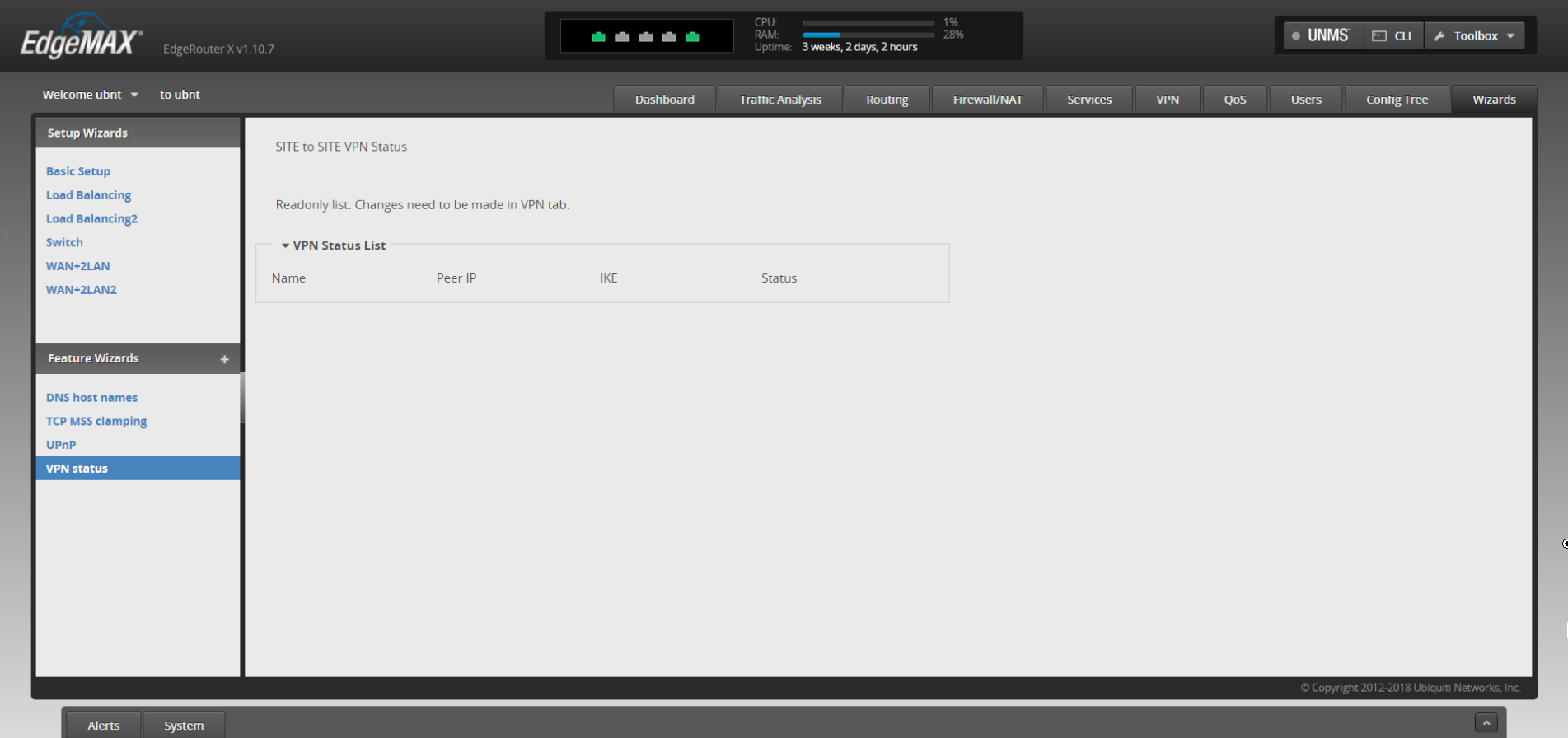
It’s also possible to have site to site VPN, so you can access your office computer securely from home without using a third-party VPN or remote desktop service, it’s just router to router.
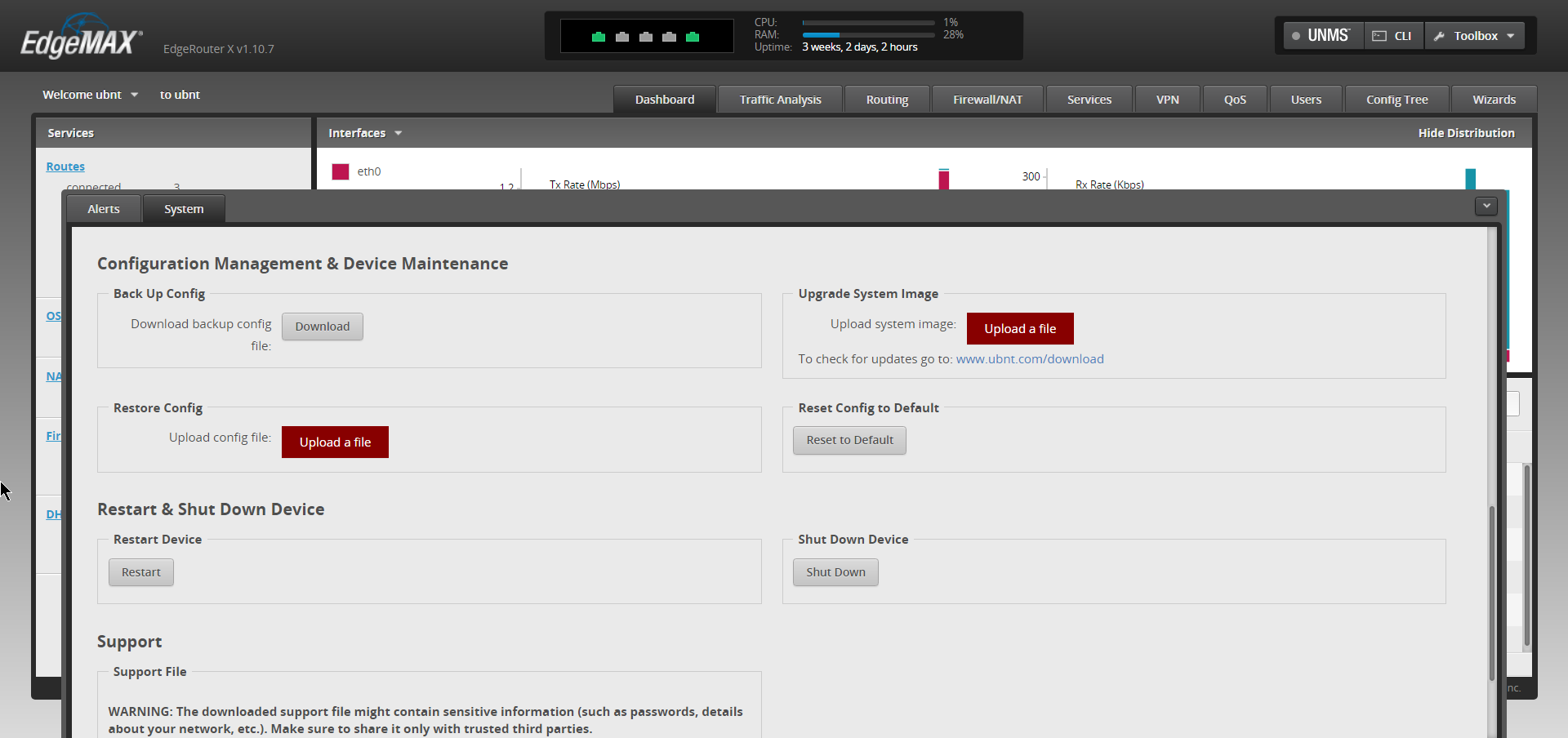
There may be a sharp learning curve however when trying to implement these things yourself but updating the firmware shouldn’t be a different experience from what you’re used to from home routers.
In general router brands need to do a much better job of securing their routers against vulnerabilities, both known and unknown – but there’s especially no excuse to leave known vulnerabilities unchecked.
If you need assistance or have questions about routers or other technical topics, feel free to reach out! Our knowledgeable techs would be more than happy to answer your questions.
Looking for more to read? We suggest these tech articles from the last week.
-
Apple just told the truth about working from home – ZDNet
-
Microsoft’s Outlook email app is crashing suddenly for people worldwide – The Verge
-
Microsoft CEO: Broadband internet access is a ‘fundamental right’ – CNN
-
Google launches hieroglyphics translator powered by AI – BBC News
-
Congress wants Apple, Google to warn users about apps posing ‘national security risks’ – USA Today
This article was powered by Valley TechLogic, an IT provider in Atwater, CA. You can find more information at https://www.valleytechlogic.com/ or on Facebook at https://www.facebook.com/valleytechlogic/ . Follow us on Twitter at https://x.com/valleytechlogic.
Looking for IT Services in Fresno, Modesto, Stockton, Ceres, Atwater, Merced, Visalia or Lodi? We cover all these areas and more!