

Tag: data loss

  • McDonald’s AI “McHire” platform was breached, allowing for the potential exposure of 64 million applicants private data

    McDonald’s AI “McHire” platform was breached, allowing for the potential exposure of 64 million applicants private data

    For employers, sorting through applications is ordinarily a tedious but necessary part of the hiring process. Enter AI, with artificial intelligence employers can now have AI tools sort candidates based on specific prompt criteria, shortening the time it takes to sort through dozens or even hundreds of applications and propelling the most worthy candidates to the top of the list for human review.

    Or at least, that was the idea. However recently for McDonald’s that idea backfired with a simple mistake, a security flaw in their AI hiring platform dubbed “McHire” or McHire.com allowed attackers to access the logs of any user in the system simply by using the account and username “123456”.

    This allowed access to an administrator account for Paradox.ai, the vendor behind the creation of the McDonald’s AI hiring platform, and the ability to query “Olivia”. Olivia is is the chatbot potential applicants would chat with as they submitted their application.

    The data they were able to access included applicants’ names, emails, addresses and phone numbers. In total there were 64 million records accessible in the system at the time the breach occurred.

    Luckily, the security flaw was discovered by researchers instead of true bad actors. The breakdown of how it was discovered can be found on the blog by security researchers Ian Carroll and Sam Curry. We have reported on their research before when they discovered a major flaw with Kia and other car brand manufacturers allowing for remote access to vehicles (even while they’re actively being driven).

    It’s a sharp reminder that just because AI solutions may make things easier, doesn’t mean that best practices are automatically being followed. The human review is still an important component when deploying any system that will gather large amounts of PII (Personally Identifiable Information) and it’s important to know the rules and restrictions you must follow when collecting that data for your business.

    Below are three rules we recommend following when collecting PII in your business:

    1. Collect Only What’s Necessary (Data Minimization)

    Only gather the PII that is absolutely essential for the purpose at hand. Avoid collecting excess or sensitive data unless it is required. This reduces risk in the event of a data breach and shows respect for user privacy.

    1. Clearly Inform and Obtain Consent

    Be transparent about what data is being collected, why it’s needed, how it will be used, and with whom it might be shared. Always obtain informed consent before collecting any PII, especially for sensitive data like health, financial, or biometric information.

    1. Protect the Data with Strong Security Measures

    Use up-to-date encryption, access controls, and secure storage practices to protect PII from unauthorized access, loss, or misuse. Regularly audit systems and train employees on proper data handling procedures.

    These rules not only build trust with users but also help ensure compliance with regulations like GDPR, CCPA, HIPAA, CMMC and more. If compliance or data protection is a concern for your business, Valley Techlogic can be your go-to partner in creating secure data collection and safeguarding practices alongside deploying industry leading cyber security preventions within your business. Reach out today to learn more.

    Looking for more to read? We suggest these other articles from our site.

    This article was powered by Valley Techlogic, leading provider of trouble free IT services for businesses in California including Merced, Fresno, Stockton & More. You can find more information at https://www.valleytechlogic.com/ or on Facebook at https://www.facebook.com/valleytechlogic/ . Follow us on X at https://x.com/valleytechlogic and LinkedIn at https://www.linkedin.com/company/valley-techlogic-inc/.

  • Are you sure you can count on your data backups? 5 ways to confirm your backups are working (and avoid the 37% data backup failure rate)

    Are you sure you can count on your data backups? 5 ways to confirm your backups are working (and avoid the 37% data backup failure rate)

    Data backups are a big part of our service offering here at Valley Techlogic (learn more here) and we believe backing up your data is one of the easiest preventative option for a host of technology related headaches – including device failure, cyber breaches, accidental deletions and more.

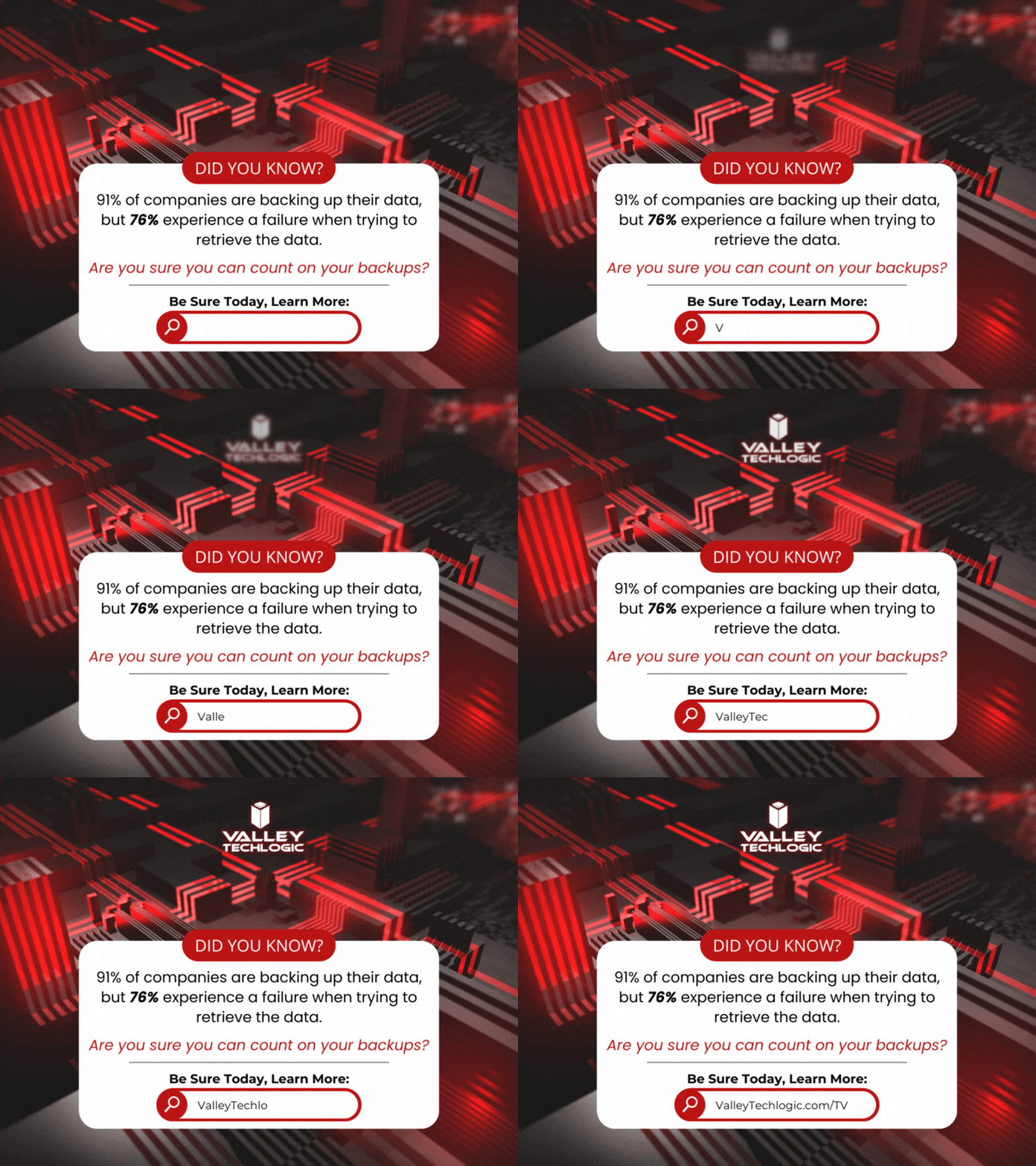
    According to the statistics 91% of business organizations have some form of data backup in place but 76% report having a data loss in the last year. This tells us backups are happening, they’re just not happening very well.

    Here are five ways to check to see if your data backups are functioning as they should:

    1. Regular Backup Testing: Schedule regular tests where you restore data from your backups to ensure they are functional. This can involve restoring a small subset of data or running a full restoration process in a test environment.
    2. Data Integrity Checks: Use checksums or hash functions to verify the integrity of backed-up data. By comparing checksums or hashes of original data with those of the backed-up data, you can ensure that the backup process has not introduced any errors or corruptions.
    3. Backup Monitoring Tools: Implement backup monitoring tools that provide real-time alerts and reports on backup status, including successful completion, errors, or failures. These tools can help you proactively identify any issues with your backup process.
    4. Versioning Verification: If your backup system supports versioning, regularly check that multiple versions of files are being retained as expected. This ensures that you have access to historical versions of data in case of accidental deletions or data corruption.
    5. Backup Logging and Auditing: Maintain detailed logs of backup activities, including start and end times, success or failure statuses, and any error messages encountered. Regularly review these logs to identify any anomalies or patterns that may indicate problems with the backup process.

    Other pitfalls we see when it comes to backups? Not backing up everything you intend to, there’s nothing worse than going to look for a file and realizing it was deleted accidentally at some point. Or not moving your files to the intended central location that does receive regular backing up and experiencing a device failure.

    It’s a good idea to take a look at the full picture when it comes to backups, for many simply backing up your office server is enough because all work stems from that central location (this is especially true if you use a type of specialized software that all employees must work through and that software is stored on the office server).

    For others work is less centralized, and it might make sense to backup the workstations of specific employees because if their devices were lost, compromised, or broken it would also mean a loss of files that are significant to your day-to-day operations.

    Another backup related item to consider? Your email. While most email services offer ample storage, we still find it’s a good idea to add a backup to that just in case (and again, this is another protection against losing data due to a breach which occurs frequently with email). At Valley Techlogic we even have a product that can backup your Microsoft 365 data specifically, and if you use Word, Excel, PowerPoint etc. throughout your business or as your business productivity software suite of choice, this kind of backup coverage can go a long way.

    In a nutshell, if you’re looking for assistance in determining if your backups are functioning as they should, in expanding your backups to include more of your data, a switch from on-premises backups to cloud or even establishing backups from the ground up Valley Techlogic is able to assist you with all of these and more. Backups are one facet of the services you’ll receive as a Valley Techlogic client, so what are you waiting for? Get started today.

    Looking for more to read? We suggest these other articles from our site.

    This article was powered by Valley Techlogic, an IT service provider in Atwater, CA. You can find more information at https://www.valleytechlogic.com/ or on Facebook at https://www.facebook.com/valleytechlogic/ . Follow us on Twitter at https://x.com/valleytechlogic.