
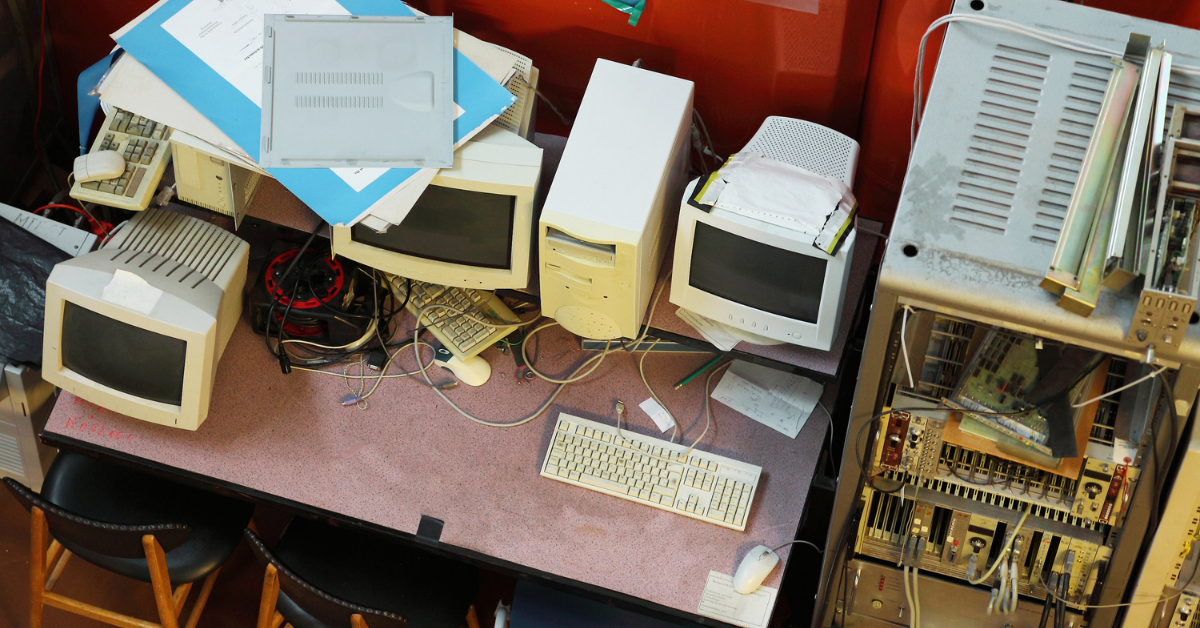
Old technology has a way of blending into the background. A forgotten desktop under a desk, an unused printer in a storage closet, a retired router still plugged into the network, or a pile of mystery cables in the server room may not seem urgent. But legacy hardware can quietly become one of the most overlooked cyber security risks inside a business.
For many small and mid-sized businesses, tech debt is not just outdated software or inefficient systems. It is also the physical technology that remains in the office long after it should have been removed, replaced, documented, or securely disposed of. These devices can create hidden vulnerabilities, consume unnecessary power, complicate troubleshooting, and increase the chance of data exposure.
The problem is that old hardware often looks harmless. A dusty workstation may still contain sensitive files. A retired firewall may still have saved configuration data. An unused printer may store scanned documents, address books, or authentication details. Even abandoned network equipment can create confusion during audits, upgrades, or incident response.
Cleaning up legacy hardware is not just an office organization project. It is a practical cyber security initiative. Every device connected to your business environment has a lifecycle. It is purchased, configured, used, maintained, replaced, and eventually retired. The risk appears when that final step never happens properly.
Hardware that is no longer actively managed may stop receiving firmware updates. Devices may remain connected to the network without anyone realizing it. Old computers may sit in closets with cached credentials, local files, browser passwords, or copies of client data. Drives may be removed and stored without encryption. Equipment may be passed between employees without proper wiping or documentation.
This creates a messy environment where nobody is completely sure what exists, what is still in use, what contains data, or what could be exploited.
Here are 5 strategic ways to clean up legacy technology
- Create a complete hardware inventory. Start by documenting every physical device in the office, including desktops, laptops, monitors, printers, scanners, servers, network switches, routers, firewalls, access points, external drives, phones, and conference room equipment. Record the device name, serial number, location, assigned user, age, warranty status, and whether it is still actively used.
- Identify anything that is no longer supported or no longer needed. Old hardware should be reviewed against current business needs and vendor support timelines. Devices that no longer receive firmware updates, cannot run supported operating systems, or are no longer assigned to a real business function should be flagged for replacement, removal, or secure disposal.
- Disconnect unknown or unmanaged devices from the network. If a device cannot be identified, managed, updated, or tied to a business purpose, it should not remain connected. This includes old switches, forgotten wireless access points, retired desktops, unused printers, and any device that nobody can confidently explain. Unknown hardware creates unnecessary risk and makes your environment harder to secure.
- Securely wipe or destroy storage media before disposal. Computers, servers, external drives, copier hard drives, and even some printers may retain sensitive business data. Before anything leaves the office, storage media should be properly wiped, encrypted, or physically destroyed according to your data handling requirements. Simply deleting files or performing a basic reset is not enough for many devices.
- Build a formal retirement process for future hardware. Cleanup should not be a one-time event. Create a standard process for retiring equipment that includes documentation, backup confirmation, data wiping, license removal, asset tag updates, and approved recycling or disposal. A simple repeatable process prevents old hardware from piling up again.
A cleaner technology environment is easier to manage, easier to secure, and easier to support. When your business knows exactly what hardware exists and why it exists, you reduce uncertainty. That matters during cyber security reviews, insurance questionnaires, vendor audits, compliance checks, and real-world incident response.
It also improves day-to-day operations. Technicians spend less time tracing mystery cables, identifying unknown devices, or troubleshooting equipment that should have been retired years ago. Employees benefit from more reliable systems, fewer workarounds, and a more organized workspace.
Just as importantly, removing old hardware reduces the number of places where sensitive data can hide. Every forgotten device is a potential storage location, access point, or weak link. Cleaning it up gives your business better control over its information and its risk.
So how can a Managed Service Provider (like Valley Techlogic) help? Your MSP can play a key role in turning hardware cleanup into a structured cyber security improvement rather than a messy office project. An MSP can help inventory devices, identify unsupported hardware, review network-connected equipment, recommend replacements, securely wipe retired systems, document asset status, and coordinate proper disposal or recycling. They can also help build a repeatable lifecycle process so future hardware does not become tomorrow’s hidden tech debt.
Legacy tech debt is not always digital.Businesses often think about cyber security in terms of passwords, email threats, antivirus software, and cloud security. Those things matter, but physical technology matters too.
Legacy hardware should not be ignored just because it is quiet. If it is still in your office, still storing data, or still connected to your network, it deserves attention. If you need assistance in auditing and cleaning up your business’s tech environment (including decommissioning old hardware or doing an audit of your software stack) reach out to us today to schedule a free walkthrough and evaluation.

Looking for more to read?
- An anonymous company accidentally spent 500 million on Claude in one month when it placed no usage limits on employees, and how it relates to your AI strategy as a small business
- AI is making fraud easier and more lucrative, with AI enabled phishing emails seeing 25% higher open rates than human crafted variations
- Agentic search? Google’s annual conference I/O revealed new features coming to search, and how your personal data may integrate into it
- Education platform Canvas reached settlement with ransomware group “ShinyHunters” to prevent the release of data affecting 275 million users
- New malware dubbed “NoVoice” infiltrates the Google Play Store and infects 2.3 million devices
This article was powered by Valley Techlogic, leading provider of trouble free IT services for businesses in California including Merced, Fresno, Stockton & More. You can find more information at https://www.valleytechlogic.com/ or on Facebook at https://www.facebook.com/valleytechlogic/ . Follow us on X at https://x.com/valleytechlogic