
Tag: iots safety

  • 4 Ways to Secure Your IoT (Internet of Things) Devices

    4 Ways to Secure Your IoT (Internet of Things) Devices

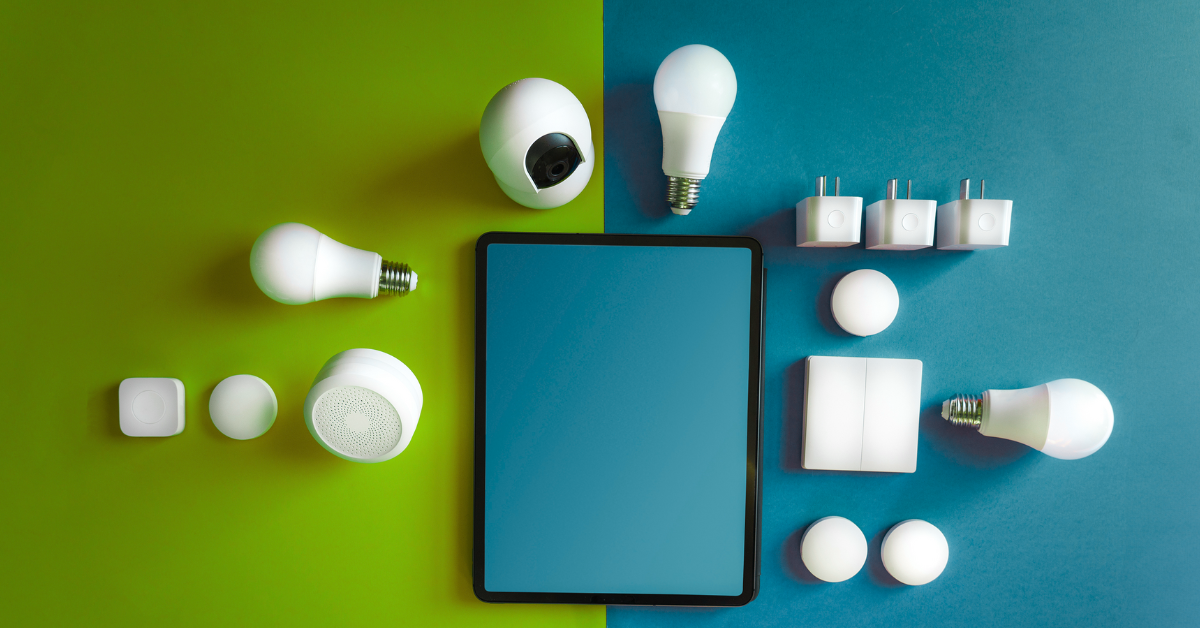
    Love it or hate it, internet connectivity in everyday devices is here to stay. Whether you’re a staunch believer that “smart” devices are unnecessary or if you are just waiting for the day when the 1999 Disney movie “Smart House” becomes a reality (minus the over reactive AI of course) – chances are you have some devices in your home or office that are connected to the internet just like your laptop or desktop computer is and that means they need to be managed in almost the same way from a cyber threat perspective.

    You might be thinking, there’s no way my smart fridge has the same capacity as my laptop for being a cyber security threat vector, it’s not powerful enough? Unfortunately, you would be wrong in that assertion. Even if you turn off the “smart” functionality in your devices they’re still internet facing and should be secured or maintained.

    Here are our 4 tips for securing your IoT (Internet of Things) Devices:

    1. Create Network Segmentation: This sounds complicated, but all this just means creating groups within your router for your various devices (most routers have a guide for doing this).
    2. Update Firmware: IoTs devices also need regular updates (and as with computers a lot of these updates are security related). If you connect to the device through your phone updates can usually be managed in their app.
    3. Utilize MFA (Multi-Factor Authentication): While the IoT device itself may not have the option of MFA, your phone or computer that you use to interact with it will for many of the sites you use. This will make it a little safer to continue using those devices to interact with the IoT device.
    4. Consider Whether You Need the Internet Connectivity: Many ordinary devices come with internet connected features these days, but if you want your fridge to be a fridge and not a smart fridge we recommend just disabling them.

    Even in offices, smart devices are becoming a more common place in the form of lighting, thermostats and sensors. Securing these devices in an office setting is even more important and you may need expert help in making sure all IoTs devices are accounted for and secured properly.

    Valley Techlogic can assist in your networking and cybersecurity goals, learn more with a consultation today.

    Looking for more to read? We suggest these other articles from our site.

    This article was powered by Valley Techlogic, leading provider of trouble free IT services for businesses in California including Merced, Fresno, Stockton & More. You can find more information at https://www.valleytechlogic.com/ or on Facebook at https://www.facebook.com/valleytechlogic/ . Follow us on Twitter at https://x.com/valleytechlogic and LinkedIn at https://www.linkedin.com/company/valley-techlogic-inc/.

  • Our top 10 safety tips for mobile devices

    Our top 10 safety tips for mobile devices

    There’s a popular misconception that mobile devices are somehow more resistant to hacking and cyberthreats than PCs (personal computers) or other standalone devices, this Isn’t exactly true.

    In today’s age, anything connected to the internet can be tampered with or hacked. The age of the “Internet of Things” (IoT) is here and there have even been cases of web connected devices like appliances being hacked and used to gain access to data within your household or office.

    Your cell phone or tablet are really just smaller computers. Whether you have an Android phone or tablet or stick to Apple products, you still need to take precautions when visiting websites or opening emails and attachments as you do with your laptop or desktop. Plus, because these devices are much more portable you even should take extra precautions when taking it out in public.

    Here are our top 10 safety tips for mobile devices:

    1. Always lock your phone when you’re not using it. Setting up a pin, facial recognition or fingerprint recognition will also add another layer of security.
    2. Keep your software up to date. Just like with computer updates, phone OS updates often include important security patches to keep your device safe.
    3. Only download applications from secure sources. Questionable applications can lead to your phone being compromised, and even with applications from a known good source (like the Google Play Store or the Apple Store) only give them as many permissions as they need to function and no more.
    4. Install an Antivirus on your phone. Many may not know antivirus software Isn’t limited to computers, but there are antivirus solutions for computers that will include a phone version bundled together.
    5. Be careful with public Wi-Fi. Open public networks are open to everyone – including hackers who are able to see everyone who’s connected. Only use them if absolutely necessary.
    6. Same goes for public phone charging. Hackers can tamper with or even setup fake cellphone charging stations in a scheme known at “juice jacking”, when you plug your phone in it installs malware on your device. If you need extra battery power, consider carrying a power bank with you.
    7. Just like with your PC, vary your passwords. It can be more difficult to create good passwords on your phone, luckily the same applications like LastPass (our recommended password manager) you use on your PC for password management also have mobile versions.
    8. On the upside 2FA is even easier on a phone than a PC. Many 2FA applications like Google Authenticator are cellphone based, making 2FA even easier to use on your phone.
    9. Be careful what data you save to your phone. Many of us save our payment information to our phones for easier checkout but if your phone is compromised (or stolen) than all that information is now in the hands of a bad actor. It’s might be worth reconsidering saving that information, especially details for something like your bank account or anything that can’t be easily changed.
    10. If you are going to take some risks (like using public Wi-Fi) consider a VPN. Virtual Private Networks (VPN) can encrypt your data, making it a little safer to use public Wi-FI.

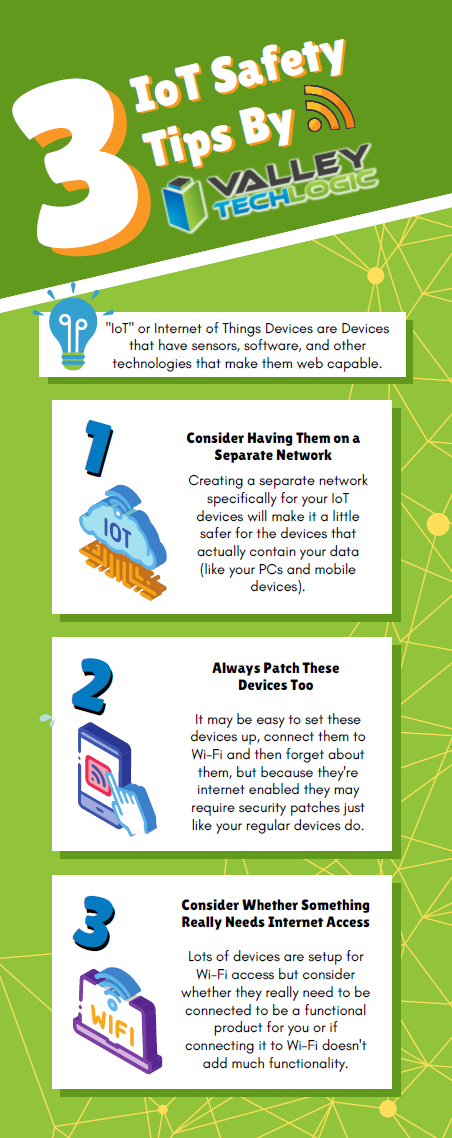
    We also have some safety tips for your IoTs devices in this chart:

    Click to view the full size version.

    If you have mobile devices connected to your business’s office network, it’s worth evaluating whether there is any risk involved for your business. There are network security solutions that will apply the same rules for mobile devices as it does for PCs, meaning even if a compromised cellphone connects you will still have protection from the rest of your network being infected. If you’d like to learn more schedule a consultation with us today.

    Looking for more to read? We suggest these other articles from our site.

    This article was powered by Valley Techlogic, an IT service provider in Atwater, CA. You can find more information at https://www.valleytechlogic.com/ or on Facebook at https://www.facebook.com/valleytechlogic/ . Follow us on Twitter at https://x.com/valleytechlogic.