Tag: data remediation

  • Six Ways Continuous Monitoring Keeps You a Step Ahead in Your Cyber Security Efforts

    Six Ways Continuous Monitoring Keeps You a Step Ahead in Your Cyber Security Efforts

    In today’s digital age, businesses face an ever-increasing number of cyber threats. As cybercriminals become more sophisticated, the need for robust and proactive security measures has never been greater. One of the most effective strategies for safeguarding business assets and sensitive information is continuous monitoring. Here are six ways continuous monitoring benefits businesses when seeking comprehensive cyber security solutions.

    1. Real-Time Threat Detection

    Continuous monitoring provides businesses with real-time visibility into their network activities. Traditional security measures, which often rely on periodic scans and updates, can leave gaps in protection. Continuous monitoring, on the other hand, ensures that potential threats are identified and addressed as they occur. This real-time threat detection is crucial in minimizing the window of opportunity for cybercriminals, significantly reducing the risk of data breaches and other security incidents.

    1. Proactive Risk Management

    By constantly monitoring systems and networks, businesses can proactively manage risks. Continuous monitoring tools can identify vulnerabilities and weaknesses before they are exploited by attackers. This proactive approach allows businesses to implement timely patches, updates, and security measures to fortify their defenses. Instead of reacting to incidents after they happen, businesses can stay ahead of potential threats, creating a more secure and resilient environment.

    1. Enhanced Compliance

    Regulatory compliance is a critical concern for many industries. Continuous monitoring helps businesses maintain compliance with various standards and regulations, such as GDPR, HIPAA, and PCI DSS. These regulations often require ongoing monitoring and reporting of security measures. By integrating continuous monitoring into their security strategy, businesses can ensure they meet compliance requirements, avoid hefty fines, and protect their reputation.

    1. Improved Incident Response

    When a security incident occurs, the speed and effectiveness of the response are crucial in mitigating damage. Continuous monitoring equips businesses with the necessary tools and information to respond swiftly to incidents. Detailed logs and real-time alerts provide valuable insights into the nature and scope of the threat, enabling security teams to isolate affected systems, contain the breach, and implement remediation measures. This rapid response capability minimizes downtime, reduces financial losses, and preserves customer trust.

    1. Cost Efficiency

    While investing in continuous monitoring may seem like a significant expense, it can actually lead to substantial cost savings in the long run. By preventing data breaches and minimizing the impact of security incidents, businesses can avoid the financial consequences of lost data, legal liabilities, and reputational damage. Additionally, continuous monitoring can streamline security operations, reducing the need for manual interventions and allowing IT teams to focus on strategic initiatives rather than constant firefighting.

    1. Increased Business Agility

    In today’s fast-paced business environment, agility is a key competitive advantage. Continuous monitoring provides businesses with the flexibility to adapt to evolving threats and changing security landscapes. With real-time insights and up-to-date threat intelligence, businesses can make informed decisions and adjust their security strategies as needed. This agility ensures that businesses remain resilient in the face of emerging threats and can quickly pivot to address new challenges.

    Continuous monitoring is a vital component of a robust cyber security strategy. By providing real-time threat detection, proactive risk management, enhanced compliance, improved incident response, cost efficiency, and increased business agility, continuous monitoring empowers businesses to safeguard their digital assets and maintain a strong security posture. As cyber threats continue to evolve, businesses that invest in continuous monitoring will be better equipped to protect their operations, data, and reputation.

    Embrace continuous monitoring today and take a proactive stance in securing your business against the ever-present cyber threats of tomorrow by partnering with Valley Techlogic. Our plans include cyber security protections like continuous monitoring, advanced threat detection and end point security by default. Learn more today by scheduling a consultation with us today.

    This article was powered by Valley Techlogic, leading provider of trouble free IT services for businesses in California including Merced, Fresno, Stockton & More. You can find more information at https://www.valleytechlogic.com/ or on Facebook at https://www.facebook.com/valleytechlogic/ . Follow us on Twitter at https://x.com/valleytechlogic and LinkedIn at https://www.linkedin.com/company/valley-techlogic-inc/.


  • You have cloud backups for your business, but are you wasting money on storage you don’t need? 5 ways to tidy up your cloud storage

    You have cloud backups for your business, but are you wasting money on storage you don’t need? 5 ways to tidy up your cloud storage

    The worst backup situation to have as a business owner is no backups at all, so if you’ve made keeping backups of your data a priority in your business, we want to encourage you to keep the effort up. Having data backups is crucial for making a full recovery in the event of device failure, cyber security breaches and more.

    With that said, the cost of storage and in particular cloud storage is something to be considered when formulating a plan for backups. With physical hardware you have a tangible wall that prevents storage costs from ballooning out of control, but with cloud storage no such wall exists. Your provider will likely sell you as much data storage as you need and if your backups aren’t set up in an efficient way you may find the costs continue to rise while not being entirely sure as to why.

    Here are five ways to setup efficiency for your cloud backup solution and keep costs under control:

    1. Implement Data Archiving Policies: Regularly archive older, infrequently accessed data to cheaper, long-term storage solutions. This reduces the cost of more expensive, high-performance storage.
    2. Use Tiered Storage Solutions: Take advantage of cloud providers’ tiered storage options. Store critical, frequently accessed data in high-performance storage and less critical data in more economical storage tiers.
    3. Automate Backup Schedules and Policies: Set up automated backup schedules to ensure data is backed up regularly without human intervention. Use policies to manage retention, ensuring outdated backups are deleted after a certain period.
    4. Compress and Deduplicate Data: Use data compression and deduplication techniques to reduce the amount of storage required. Compression reduces file size, while deduplication eliminates duplicate copies of data.
    5. Monitor and Optimize Storage Usage: Regularly review storage usage and costs. Use analytics and reporting tools provided by cloud providers to identify unused or underused resources and optimize storage allocation accordingly.

    By implementing these strategies, business owners can effectively manage their cloud storage costs and maintain an organized, efficient backup system.

    Did you know backups are a core feature of Valley Techlogic’s service offering? Not only can we assist you in maintaining your existing backups, we also will keep our own backup of your data as part of your service plan with us.

    You can learn more about our backup program here, but in a nutshell whether you want to keep your current backups and utilize ours as an additional copy or erase that expenditure from your billing and let us handle it – Valley Techlogic can support your business’s backup planning in addition to the other ways we support your business.

    Learn more today by scheduling a meeting with one of our experienced

    Looking for more to read? We suggest these other articles from our site.

    This article was powered by Valley Techlogic, leading provider of trouble free IT services for businesses in California including Merced, Fresno, Stockton & More. You can find more information at https://www.valleytechlogic.com/ or on Facebook at https://www.facebook.com/valleytechlogic/ . Follow us on Twitter at https://x.com/valleytechlogic and LinkedIn at https://www.linkedin.com/company/valley-techlogic-inc/.

  • Are you sure you can count on your data backups? 5 ways to confirm your backups are working (and avoid the 37% data backup failure rate)

    Are you sure you can count on your data backups? 5 ways to confirm your backups are working (and avoid the 37% data backup failure rate)

    Data backups are a big part of our service offering here at Valley Techlogic (learn more here) and we believe backing up your data is one of the easiest preventative option for a host of technology related headaches – including device failure, cyber breaches, accidental deletions and more.

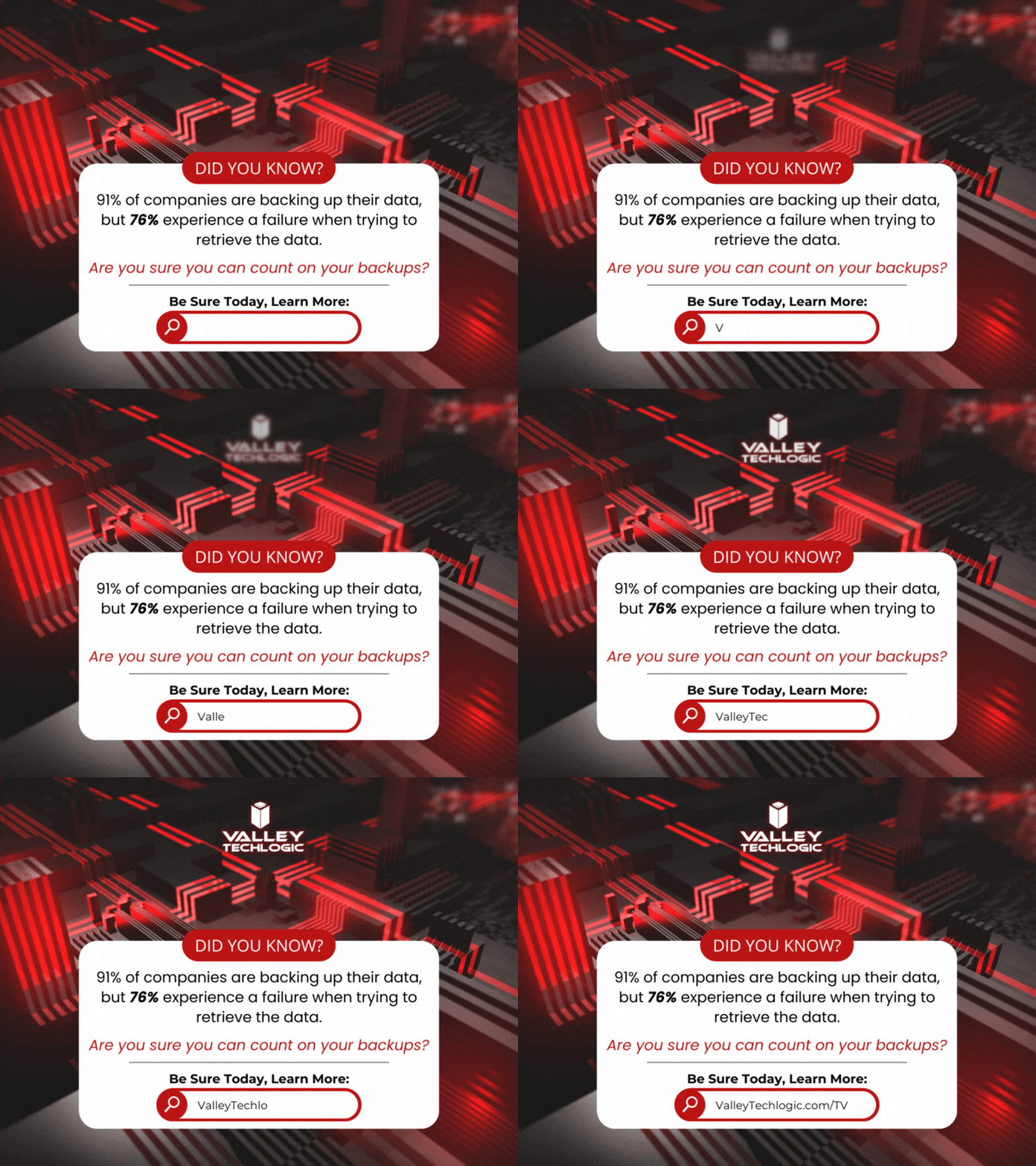
    According to the statistics 91% of business organizations have some form of data backup in place but 76% report having a data loss in the last year. This tells us backups are happening, they’re just not happening very well.

    Here are five ways to check to see if your data backups are functioning as they should:

    1. Regular Backup Testing: Schedule regular tests where you restore data from your backups to ensure they are functional. This can involve restoring a small subset of data or running a full restoration process in a test environment.
    2. Data Integrity Checks: Use checksums or hash functions to verify the integrity of backed-up data. By comparing checksums or hashes of original data with those of the backed-up data, you can ensure that the backup process has not introduced any errors or corruptions.
    3. Backup Monitoring Tools: Implement backup monitoring tools that provide real-time alerts and reports on backup status, including successful completion, errors, or failures. These tools can help you proactively identify any issues with your backup process.
    4. Versioning Verification: If your backup system supports versioning, regularly check that multiple versions of files are being retained as expected. This ensures that you have access to historical versions of data in case of accidental deletions or data corruption.
    5. Backup Logging and Auditing: Maintain detailed logs of backup activities, including start and end times, success or failure statuses, and any error messages encountered. Regularly review these logs to identify any anomalies or patterns that may indicate problems with the backup process.

    Other pitfalls we see when it comes to backups? Not backing up everything you intend to, there’s nothing worse than going to look for a file and realizing it was deleted accidentally at some point. Or not moving your files to the intended central location that does receive regular backing up and experiencing a device failure.

    It’s a good idea to take a look at the full picture when it comes to backups, for many simply backing up your office server is enough because all work stems from that central location (this is especially true if you use a type of specialized software that all employees must work through and that software is stored on the office server).

    For others work is less centralized, and it might make sense to backup the workstations of specific employees because if their devices were lost, compromised, or broken it would also mean a loss of files that are significant to your day-to-day operations.

    Another backup related item to consider? Your email. While most email services offer ample storage, we still find it’s a good idea to add a backup to that just in case (and again, this is another protection against losing data due to a breach which occurs frequently with email). At Valley Techlogic we even have a product that can backup your Microsoft 365 data specifically, and if you use Word, Excel, PowerPoint etc. throughout your business or as your business productivity software suite of choice, this kind of backup coverage can go a long way.

    In a nutshell, if you’re looking for assistance in determining if your backups are functioning as they should, in expanding your backups to include more of your data, a switch from on-premises backups to cloud or even establishing backups from the ground up Valley Techlogic is able to assist you with all of these and more. Backups are one facet of the services you’ll receive as a Valley Techlogic client, so what are you waiting for? Get started today.

    Looking for more to read? We suggest these other articles from our site.

    This article was powered by Valley Techlogic, an IT service provider in Atwater, CA. You can find more information at https://www.valleytechlogic.com/ or on Facebook at https://www.facebook.com/valleytechlogic/ . Follow us on Twitter at https://x.com/valleytechlogic.

  • The biggest cyber security breaches of 2023

    The biggest cyber security breaches of 2023

    Now that it’s 2024 we’re reflecting on the biggest events in tech that occurred in 2024, and in today’s article we want to talk about the biggest cyber security breaches that occurred in 2023.

    Before we get into it, let’s talk about the hard numbers.  Across the board, cyber threats are up year over year and 2023 was no exception. Here are 8 eye opening statistics on cyber threats as of writing:

    1. The global average cost of a data breach is $4.45 million and a ransomware attack $5.13 million as of 2023.
    2. The average lifecycle (discovery to remediation) of a data breach is 277 days.
    3. 74% of data breaches still involve a human element in 2023.
    4. 64% of Americans have not checked to see if there data has been lost in a data breach.
    5. Almost half (46%) of all cyberattacks were on US targets.
    6. More than 1 million identities were stolen in 2023.
    7. 30% of those people were a victim of a data breach in 2023.
    8. 54% of office works express feeling “cybersecurity fatigue” in regards to news of data breaches.

    Unfortunately, public apathy towards cybersecurity preventions from ongoing, sustained attacks and the lucrative nature of successful attacks performed on business entities makes for a potent recipe in these attacks only continuing to increase in 2024.

    We want to take a look back at the biggest breaches that occurred in 2023 and also present our solution for preventing an attack of this nature from occurring to your business.

    1. MGM – Occurring in September, the unusual way MGM was breached made headlines because it did not initially involve a computer. Instead, attackers posed as people of importance to the company via a phone call and gained access to their systems, causing a loss of reputation, $100 million in damages, and 5 class action lawsuits to be filed.
    2. ChatGPT – Not even AI is safe when it comes to targeted attacks from hackers, in March of 2023 a bug in their source code exposed the personal information of a 1.2% of their Plus Subscribers including home addresses, full names and email addresses.
    3. MOVEit File Transfer System – The fallout from this breach that occurred in June 2023 extended far beyond the file system management software company itself, including California’s biggest pension fund holders CalPERS and CalSTRS.
    4. RockStar – RockStar is another example like MGM that proved hackers don’t need expensive equipment to breach insecure systems, with this breach being conducted using a cellphone, a hotel room TV and an Amazon FireStick.
    5. The City of Oakland – An entire city was the target of a hack that occurred in February of 2023, the sustained attack which lasted more than a week prompted the city to even declare a state of emergency while systems remained offline. Class actions lawsuits were also filed in the aftermath of the attack in this case.

    These are just five attacks that made major news last year, but there were thousands more that did not make major news. When an attack occurs on a small business many times it leaves the owners with no choice but to close up shop (60% of small businesses that are the victim of a cyber attack close within 6 months).

    As IT providers it’s a frustrating topic for us as so much of this is preventable. If more preventions were put in place and it was more difficult for attackers to realize their goals than it would have a cumulative positive effect overall. As the saying goes, an ounce of prevention is worth a pound of cure. Let us help you meet your cybersecurity goals in 2024 by clicking on the image below.

    Looking for more to read? We suggest these other articles from our site.

    This article was powered by Valley Techlogic, an IT service provider in Atwater, CA. You can find more information at https://www.valleytechlogic.com/ or on Facebook at https://www.facebook.com/valleytechlogic/ . Follow us on Twitter at https://x.com/valleytechlogic.